Course · Foundations
AI 0 to 1
From zero to shipping with AI — build, break, fix, and prove something real works.
Talk to us · we'll help you
8 weeks · Hands-on
Build · Break · Fix · Sell
01
What
02
Why
03
Outcome
What this course is
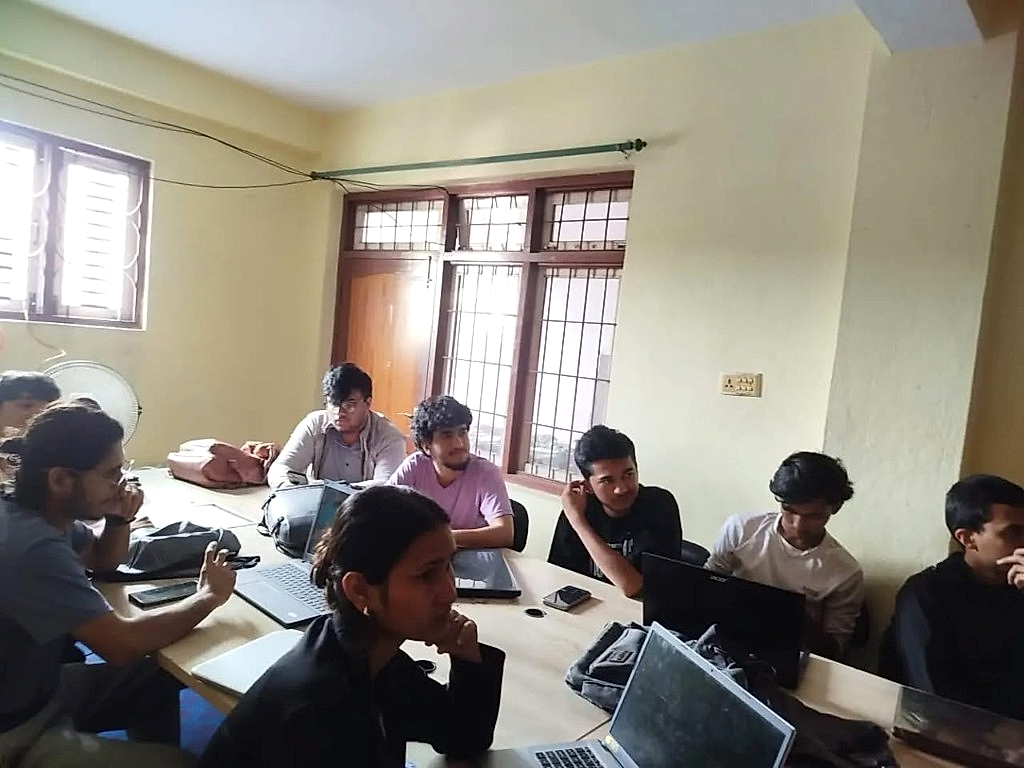
An 8-week, hands-on AI foundations course for +2 graduates and early students. You learn how LLMs work, how to prompt and evaluate them, how to call APIs reliably, and how to ship small AI systems — online and offline in Kathmandu. Not a slide-deck theory class.
Why it exists
College syllabi still lag the tools workplaces already use. If you finish +2 (or start CS/IT) without ever building with AI, you enter interviews and projects with a gap. AI 0 to 1 closes that gap with projects you can show — so you can explain what you built, where it failed, and how you fixed it.
What you do
- Build, break, and fix real AI workflows every module
- Learn how models actually behave (tokens, failures, cost, quality)
- Write stronger prompts and score outputs with simple evals
- Wire APIs with retries, fallbacks, and logging — not just a demo chatbot
- Ship projects you can walk through in an interview or on GitHub
You leave with
A clear mental model of AI systems plus shipped artifacts you can demo and explain.
Prefer the full module-by-module breakdown? Open AI 0 to 1 details.
Daily classes · YouTube
AI Course 0 to 1 — day by day
Free daily lessons from @thestudyportnepal. Watch in order, then ask us about the live batch.

Start here · Day 1
The Mind-Reader Myth & The Guessing Machine

Day 2
Introduction to Machine Learning and Deep Learning

Day 3
Introduction to Neural Network

Day 4
ChatGPT inference and introduction to transformers
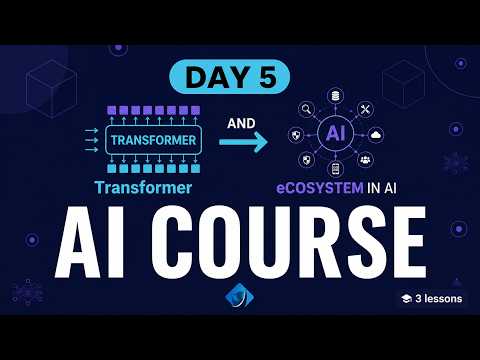
Day 5
Transformer & ecosystem layer in AI

Day 6
Token and context window

Day 7
Temperature in LLMs and Google Colab demo

Day 8
Hallucinations in AI models and prevention
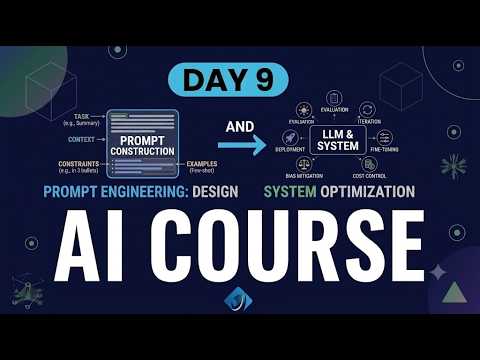
Day 9
Prompt engineering

Day 9 · Part 2
Website creation using AI — vibe coding

Day 10
Python programming language — basics

Day 11
Python programming language — part 2
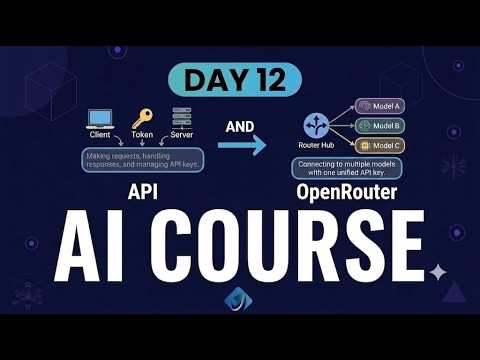
Day 12
API & connection using OpenRouter

Day 13
API keys and connecting to APIs

Day 14
Mini chatbot & GitHub basics

Day 15
Git and GitHub

Day 16
Git and GitHub practical — part 2