Course · Foundations
Git, GitHub & digital identity
Terminal, commits, and a live GitHub + LinkedIn presence — done in the room, not as homework excuses.
Talk to us · we'll help you
Beginner · Identity
Commit · Push · Profile
01
What
02
Why
03
Outcome
What this course is
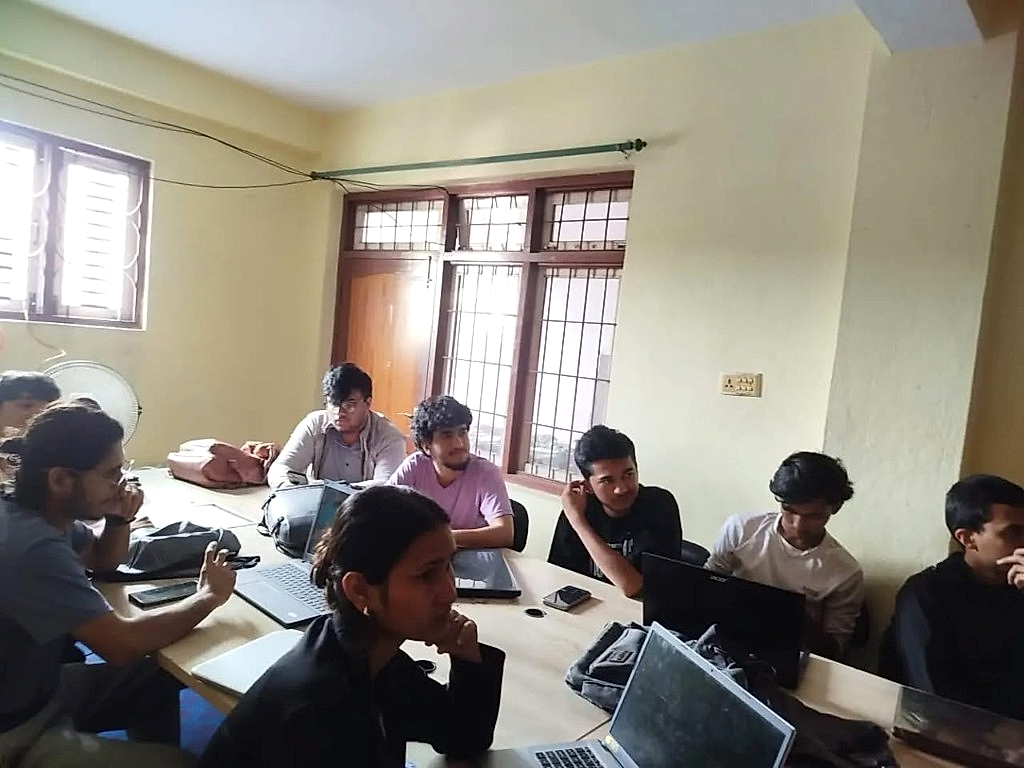
A short, practical course on Git and GitHub: terminal basics, commit, push, pull, branching, and a clean profile README. You also set up LinkedIn with a clear bio and photo. Everything is completed in class so you leave with both accounts live.
Why it exists
Hiring managers, internship forms, and freelance clients open with online proof. A degree transcript does not replace a GitHub with real commits or a LinkedIn someone can find. Most first-year students delay this for months — this course forces the professional identity into existence early.
What you do
- Use the terminal for commit, push, pull, and branching
- Write a GitHub profile README with a one-sentence bio
- Create a LinkedIn profile with a clear photo and summary
- Make first real commits that show activity, not an empty account
You leave with
A public GitHub with real commits and a complete LinkedIn profile.